Essential Package
Free
1 Group
Up to 5 total members
- Producer Notes & Team Calendar
- Shared Running Times
- Time Code Drift Calculator
- 2 Shot Lists: 1 imported + 1 manual; 20 shots per list
- Download images and files

ShowBuild Features
ShowBuild brings the tools post-production teams use every day into one connected workspace. Free for a team of up to 5 people.
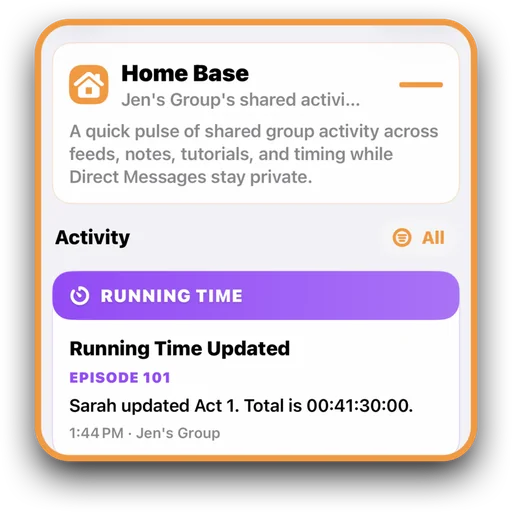
Home Base is your project's activity center. It brings together important updates from across ShowBuild — including messages, notes, running times, and team activity — so everyone stays informed without chasing information across multiple screens.
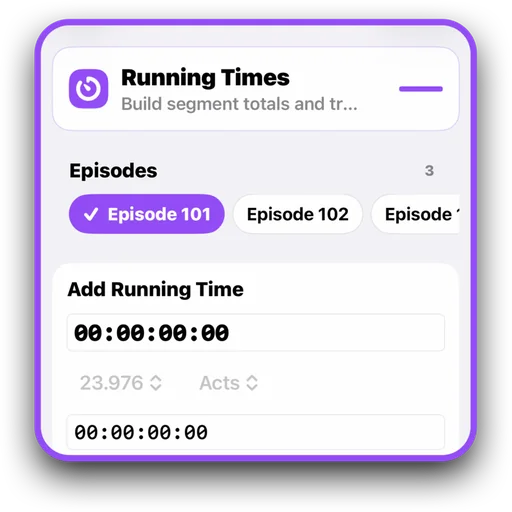
Running Times keeps your episode's timing visible to the whole team. It lets you track the duration of acts, scenes, or custom segments, instantly share accurate totals, and update times as edits evolve.
Build VFX, graphics, clearance, or other shot lists with the ShowBuild integrations for DaVinci Resolve and DaVinci Resolve Studio. Text+ labels identify the shots; the integration collects timecodes, durations, source information, shot names, and reference screenshots. Import the list into ShowBuild to organize and track it with your team.
Requires ShowBuild 1.5.0 or later and DaVinci Resolve 21.0.4 or later.
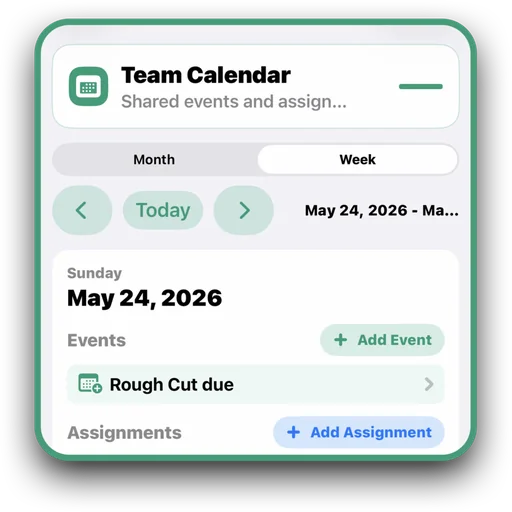
Schedule events, assign tasks, and keep your team on the same page. Team Calendar gives everyone a clear view of upcoming deadlines, responsibilities, and key production milestones. Switch between Day, Week, and Month views, including a focused view of today's events and assignments.
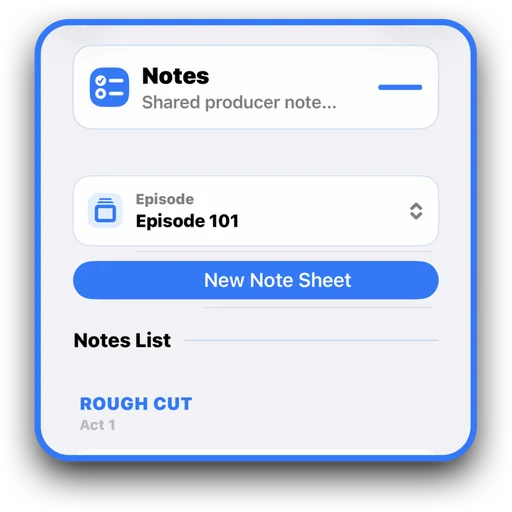
Notes gives your team a shared place to capture ideas, fixes, and decisions right where the work is happening. Notes are organized by episode and update instantly for everyone, so feedback stays current as the cut evolves.
Give team members access appropriate to their production roles. Workspace owners can opt into Roles & Permissions for Episodes, Teams, and Team Calendar. Other tools retain their existing permissions.
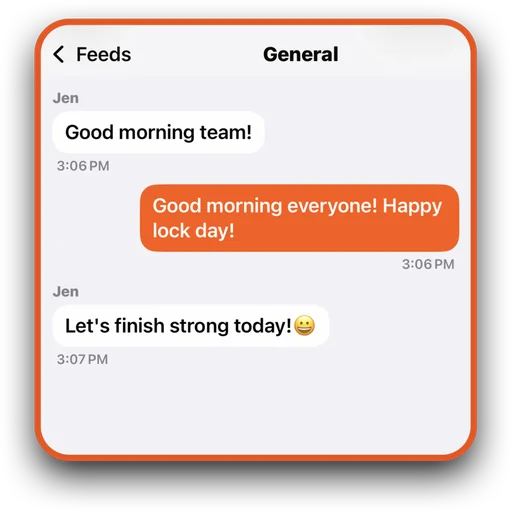
Keep team conversations organized with customizable discussion spaces. Create feeds for specific topics, departments, episodes, or projects so the right people stay connected to the right conversations.
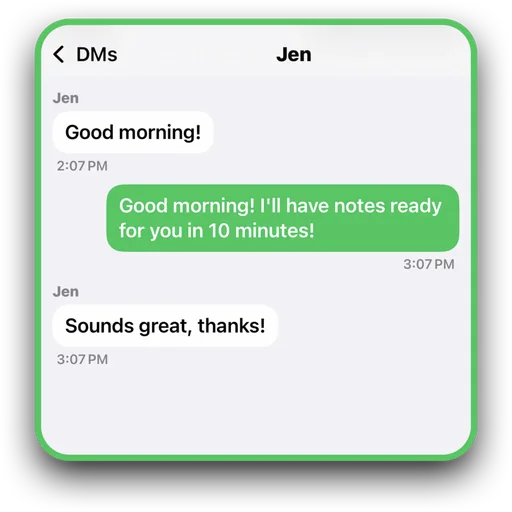
Have private conversations with individuals or small groups in a secure, encrypted space. Direct messages are ideal for sensitive discussions, quick questions, and one-on-one communication that doesn't belong in a public team feed.
A plan for your team
Start with a small group. Add room for more projects and collaborators as your team grows.
Free
1 Group
Up to 5 total members
$4.99 per month
2 Groups
Up to 20 total members
$14.99 per month
5 Groups
Up to 50 total members
Group limits apply to Groups you own. Member limits include you and count distinct members across your owned Groups; the same limit also applies within each Group. Prices shown are US App Store monthly prices; availability and localized pricing are shown in the App Store.
Get ShowBuild